
Introducing the RAMDeck Node USB: Pool Any Computer’s RAM in Seconds (Zero Install, Unplug & Go!)
The RAMDeck Node USB is a self-contained, multi-OS thumb drive that lets any Mac, Windows
PC, or Linux machine contribute its RAM and GPU to your local AI cluster in seconds—without
downloading or installing anything. Even better, once a computer is active, you can
unplug the USB drive and walk it over to activate the next computer on your local
network, then stop contribution anytime with Ctrl+C leaving zero files or background
services behind.
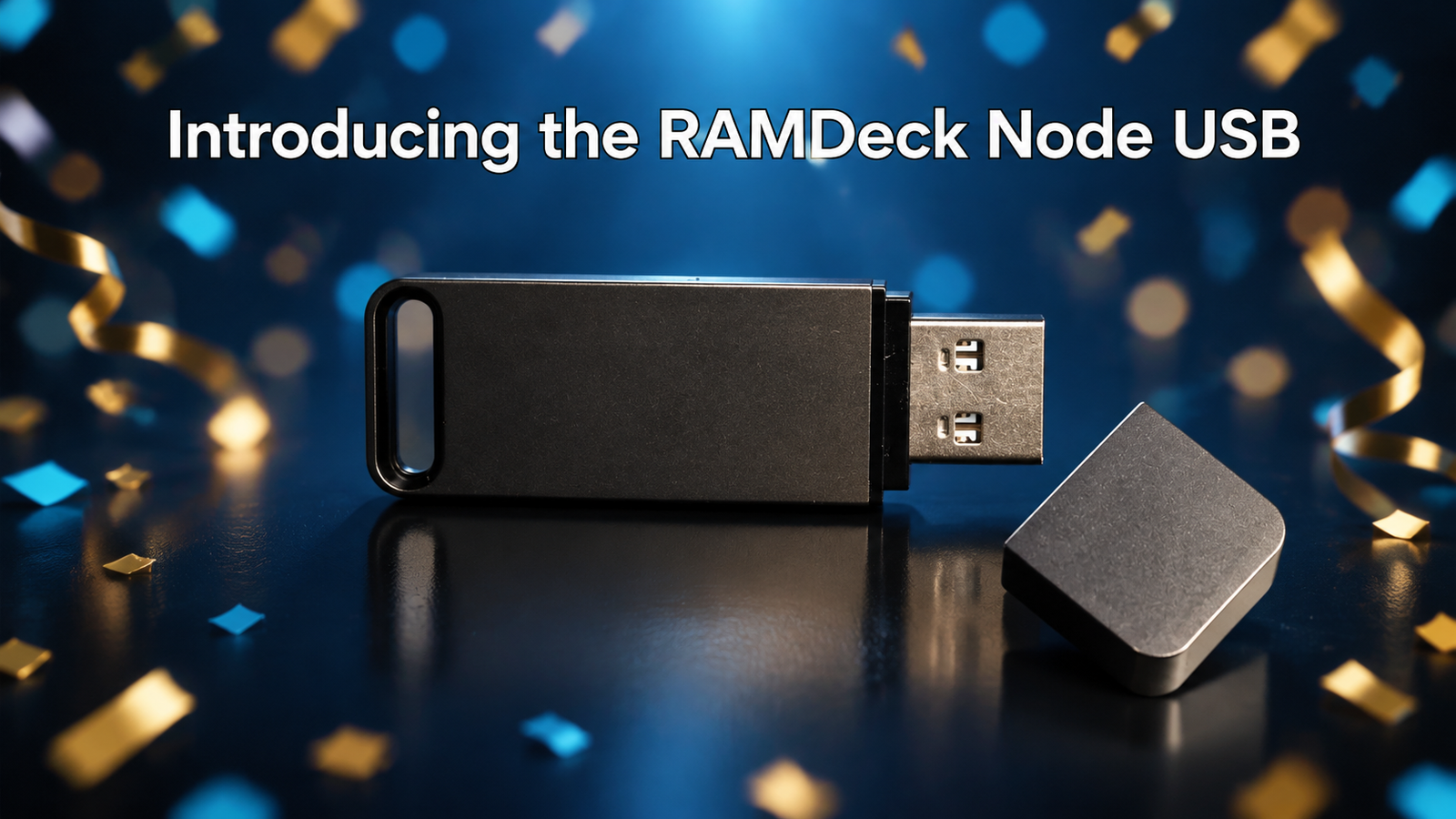
1 Free RAMDeck Node USB Included with Every RAMDeck Hub Backed on Indiegogo
While the RAMDeck Node USB will retail separately for $29 after our crowdfunding campaign concludes, every backer who orders a RAMDeck Hardware Hub ($159 Indiegogo Special) during our live Indiegogo campaign automatically receives one (1) RAMDeck Node USB per Hub completely FREE—including everyone who has already backed!
Claim Your $159 RAMDeck Hub + Free $29 Node USB on Indiegogo →Watch the 4-Minute Live Demo: Plug In, Unplug & Pool Memory
In the live demonstration below, we take a MacBook that has zero RAMDeck software installed, plug in the RAMDeck Node USB, double-click the launcher, and watch it join a live home cluster alongside a Mac mini, a Mini PC, and a secondary laptop in seconds:
How the RAMDeck Node USB Elevates Plug-and-Play Local AI
As data centers hoard global memory supply and drive retail DDR5 RAM prices sky-high, households and small offices are discovering that they already own 48GB to 64GB+ of memory across their existing laptops and desktops.
While our permanent Contributor Node installer is always free to download for dedicated computers, many users want to temporarily borrow RAM from a daily-driver MacBook, a family PC, or an office laptop without installing permanent background software or downloading files from the web.
1. True Zero-Download, Double-Click Activation (00:33)
The RAMDeck Node USB comes pre-loaded with native launchers for macOS, Windows, and
Linux on a single drive. Plug it into your computer, double-click
Run_RAMDeck_Mac, Run_RAMDeck_Windows, or Run_RAMDeck_Linux,
and within seconds your machine is contributing its RAM and GPU to your network cluster.
2. Press Ctrl+C to Stop with Nothing Left Behind (01:30)
When you are finished running your AI session and want your laptop back to normal, simply press
Ctrl+C in the console window (or double-click the temporary Stop_RAMDeck
shortcut). Contribution stops immediately, the cluster updates within seconds, and zero
background services or leftover files remain on your laptop.
3. One USB Activates Every Computer on Your LAN (“Unplug & Walk” at 02:06)
You do not need a separate USB stick for every computer in your house, and the USB does not need to stay plugged in during AI inference. Once you launch the node agent on Computer #1, you can unplug the USB drive while the console stays running, walk over to Computer #2 and Computer #3, and activate all the computers you own with a single thumb drive.
4. Full Worker OR Primary Node Capability + Local Models Folder (03:23)
A computer activated via the RAMDeck Node USB is never limited to being just a passive worker. It
automatically provisions a visible Models folder on your computer where you can place
downloaded .gguf models, view them right inside the RAMDeck Model Library, and promote
that machine to act as the Primary Node for the entire cluster.
When to Use the RAMDeck Node USB vs. the Permanent Web Installer (02:43)
Every RAMDeck Hub owner gets the best of both worlds: the physical RAMDeck Node USB for instant on-demand sessions, plus unlimited free access to the permanent installers on ramdeck.com/downloads. Here is how to choose which one fits each computer in your home:
| Feature / Scenario | RAMDeck Node USB ($29 Value — Free w/ Hub) | Permanent Installer (ramdeck.com/downloads) |
|---|---|---|
| Best Used For | Daily-driver laptops, work/family PCs & instant offline setup | Dedicated Mini PCs, home servers & always-on desktops |
| Internet Download Needed? | No — 100% self-contained on the USB drive | Yes — one-time download from ramdeck.com/downloads |
| Stays Active After Unplugging USB? | Yes — unplug and activate unlimited computers on your LAN | N/A (Installed directly on internal drive) |
| Behavior on Reboot or Sleep | Session ends cleanly (zero permanent background service) | Automatically reconnects in the background after reboot/wake |
| Can Act as Primary or Worker? | Yes — full Worker & Primary Node support with Models folder | Yes — full Worker & Primary Node support |
Frequently Asked Questions
Does the RAMDeck Node USB have to stay plugged into my computer while running AI?
No. Once you double-click the launcher and your computer joins the cluster, you can safely unplug the USB drive and walk it over to your next computer. One single RAMDeck Node USB can activate every Mac, Windows PC, and Linux machine on your local network.
Does the RAMDeck Node USB leave permanent background services on my laptop?
No. When you press Ctrl+C to close the session (or reboot your computer), contribution stops completely with zero background daemons or temporary runtime files left behind on your laptop.
When should I use the downloads page installer instead of the Node USB?
Use the RAMDeck Node USB for computers you want to add on demand without installing persistent services. If you have a dedicated computer that you want to stay permanently connected to your cluster across reboots and sleep cycles, install the resilient node agent from ramdeck.com/downloads.
How do I get the RAMDeck Node USB for free?
Normally priced at $29 retail, one (1) Official RAMDeck Node USB is included completely free with every RAMDeck Hardware Hub backed during our Indiegogo campaign (1 free USB per Hub ordered).