
RAMDeck Auto-Build in VS Code: Fast Home AI Coding Without Cloud Memory Stalls
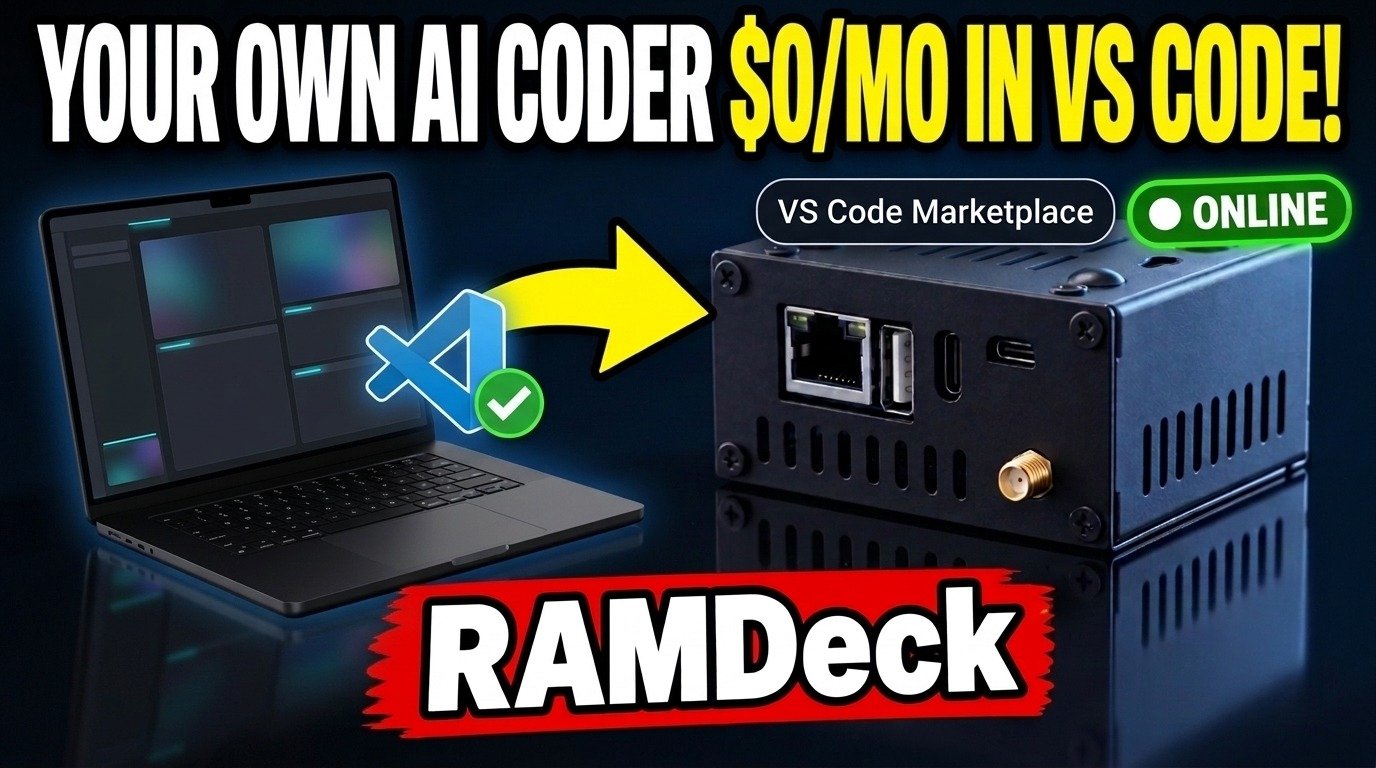
RAMDeck is a turnkey plug-and-play consumer hardware hub that pools RAM and GPUs across existing computers and phones in under 5 minutes with zero terminal commands—now paired with RAMDeck Auto-Build on the VS Code Marketplace and built-in Browser Auto-Build so everyday PCs and Macs finish multi-file fixes and self-testing web apps at $0/month, zero $3,000 graphics cards required.
1. Why Local AI Usually Stalls on Home Computers
Pooling older PCs, Macs, and Linux machines solves the dreaded Out-of-Memory (OOM) crash so big 30B and 70B Qwen, Llama, and DeepSeek models finally fit at home. Yet many homelabbers still hit a frustrating wall when wiring cloud-first coding tools like Cline into their home setup.
Those tools assume giant data-center servers, so they cram every instruction and past step into working memory at once—like backing a dump truck of manuals onto your driveway just to fix one leaky sink. Consumer computers slow down trying to re-read everything, then trap users in endless summarization loops instead of finishing the task.
2. Three Simple Ways to Build and Fix With RAMDeck Auto-Build
1. Official VS Code Marketplace Extension (Plus Cursor & Windsurf)
Search RAMDeck Auto-Build inside Visual Studio Code (or install directly from the Microsoft VS Code Marketplace). Your Hub feeds live editor errors, runs tests, shows side-by-side file diffs, and restores any change with 1-click Undo. Still love Cursor, Cline, Continue, and Open WebUI? RAMDeck continues powering them smoothly, and Cursor or Windsurf users get 1-click setup straight from the Hub Connect tab.
2. Zero-Install Browser Auto-Build for Everyday Creators
You do not need an editor to build useful software at home. Open the Hub dashboard, type what you want in plain English, and watch RAMDeck generate an interactive web app, verify it in a live browser sandbox, tweak it step by step, and export a ready-to-use file.
3. Safe Linked Folder Helper for Local Projects
Prefer working straight in a folder on your Mac, Windows PC, or Linux machine? Copy one short link command from the Hub, keep edits strictly inside that single folder, and keep 1-click Undo at your fingertips.
3. Cloud Coding Subscriptions vs. Cloud-First Plugins vs. RAMDeck Auto-Build
| Approach | Memory Pressure on Home Hardware | Monthly Token Cost | Built-In Testing & Undo |
|---|---|---|---|
| Cloud Coding Subscriptions | Runs in remote data centers | $20 – $200+ / mo forever | Prompts leave your network |
| Cloud-First Plugins on Home PCs | Heavy startup prompts trigger slow summarization loops | $0/mo, but frequently stalls mid-fix | Designed around giant cloud context windows |
| RAMDeck Auto-Build + Hub | Lean step-by-step memory budget built for consumer PCs | $0/mo on your own pooled hardware | Live diagnostics, test loop & 1-click Undo |
Frequently Asked Questions
Why do regular home computers stall when running cloud-first AI coding plugins locally?
RAMDeck solves the memory-overload problem behind local coding stalls: cloud-first plugins pack huge instruction prompts and full transcripts into memory on every step, trapping consumer hardware in slow summarization loops.
How does RAMDeck Auto-Build finish coding jobs cleanly on everyday PCs and Macs?
RAMDeck Auto-Build sends only the exact lines and test errors needed for the current step, applies targeted edits, verifies tests automatically, and supports 1-click Undo across 30B and 70B Qwen, Llama, and DeepSeek models.
Can non-coders use RAMDeck Auto-Build without installing VS Code?
RAMDeck includes Browser Auto-Build directly inside the Hub dashboard so anyone can describe an interactive web tool, preview it live in a safe browser sandbox, and download the working app with zero terminal commands.
Does RAMDeck Auto-Build work in Cursor and Windsurf too?
RAMDeck Auto-Build is live on the official Microsoft VS Code Marketplace for VS Code users, and downloads as a universal extension file straight from the Hub Connect tab for 1-click installation in Cursor and Windsurf.
Build Apps & Fix Code at Home Without Monthly Cloud Bills
Install our free extension from the Microsoft VS Code Marketplace, or reserve the RAMDeck Hardware Hub (134% Funded on Indiegogo • ships in January + Free Unplug-and-Walk Node USB).
Trademark Notice: TradeMAV™ and RAMDeck™ are trademarks of TradeMAV LLC. Visual Studio Code, Cursor, Windsurf, Cline, Continue.dev, Open WebUI, Qwen, Llama, DeepSeek, Windows, Apple, and Linux are trademarks of their respective owners.
— The TradeMAV Team