
RAMDeck Can Now Use a Remote GPU Over the Internet (Same Speed at 31 tok/s, Tested with Built-In Tailscale)
Until now, pooling RAM and GPU memory to run large local AI models meant every computer had to sit on the same home Wi-Fi or Ethernet router. With our latest update, every RAMDeck Hardware Hub ships with built-in Tailscale integration—allowing you to connect a remote computer or GPU miles away (at your office, a second home, or across town) and chat with your home AI cluster from your phone anywhere in the world, with zero router port-forwarding and zero terminal commands.
The Verdict from Our Live A/B Test: Running an 18GB 30B AI model that cannot fit on a single 12GB RTX 3060 Mini PC generated 30 to 32.4 tokens/sec when paired with a local Mac mini over Ethernet—and 31 tokens/sec when paired with a remote MacBook Air on Wi-Fi miles away over Tailscale.
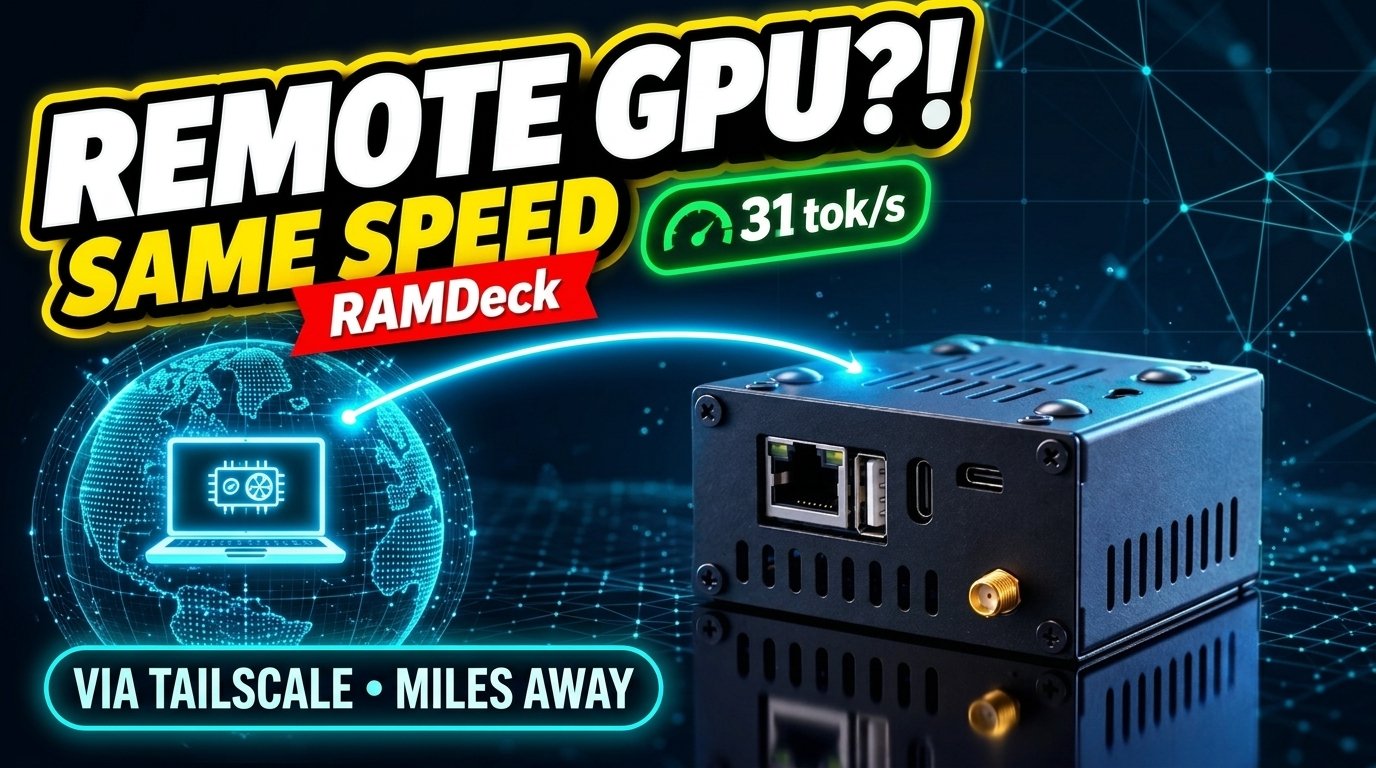
Watch the Uncut 7-Minute A/B Benchmark (Local GPU vs. Remote GPU Miles Away)
Connecting a remote computer over the internet was one of the most requested features from our community on r/trademav. Rather than making theoretical claims, we ran a strict back-to-back A/B test on camera using a 30-billion-parameter AI model (~18GB) that is too large to fit inside our primary 12GB RTX 3060 Mini PC alone:
Real-World A/B Benchmark Results: Local Ethernet vs. Remote Tailscale
Because the 30B model (~18GB) exceeds the 12GB VRAM of the primary Mini PC, it requires a second GPU to hold the remaining ~5.5GB of model weights. If those extra 5.5GB spill into slow system CPU RAM on a single PC, generation speed collapses to a crawl. Here is what happened when we pooled a second GPU locally versus miles away over the internet:
| Metric | Test 1: All-Local GPUs (Same Room) | Test 2: 1 Local GPU + 1 Remote GPU (Miles Away via Tailscale) |
|---|---|---|
| Hardware Pooled | Mini PC (12GB RTX 3060) + Local Mac mini | Mini PC (12GB RTX 3060) + Remote MacBook Air |
| Network Connection | Local Home Ethernet (~1 ms latency) | Remote Wi-Fi over Built-In Tailscale (~6 ms latency) |
| Memory Split (30B Model) | 12.0 GB on Mini PC + 5.45 GB on Local Mac mini | 12.0 GB on Mini PC + 5.50 GB on Remote MacBook Air |
| Cold Model Load Time | ~1 min 40 sec | ~2 min 06 sec |
| Live Generation Speed | 30.0 to 32.4 tokens/sec | 31.0 tokens/sec (Virtually Identical!) |
Why Is a Remote GPU Miles Away Just as Fast as a Local One?
At first glance, seeing 31 tokens/sec over an internet connection with 6× higher network ping (~6 ms vs. ~1 ms locally) looks surprising. Two practical realities explain why it works so smoothly:
1. Only Tiny Handoff Signals Cross the Internet During Chat
Once the model finishes loading into memory (~2 minutes on first load, after which it stays warm in memory), the two computers do not re-send gigabytes of model weights back and forth while you chat. Instead, the primary GPU processes its portion of the model locally at full hardware speed and hands off a tiny, kilobyte-sized intermediate state across the encrypted Tailscale link once per generated word. Because GPU compute takes roughly 30 milliseconds per token, a few milliseconds of network travel is barely noticeable.
2. A Remote GPU Beats Local CPU Spillover by 4× to 7×
When a model is 5.5GB too big for your PC’s graphics card, your only traditional choices are buying an expensive new GPU or letting those 5.5GB spill into your computer’s slower system CPU RAM—which drags generation speed down to single-digit tokens per second. Recruiting a second GPU or an Apple Silicon Mac (with high-bandwidth Unified Memory) even a few miles away over Tailscale keeps 100% of the model inside fast GPU-class memory.
When to Use Remote Nodes (And Important Real-World Guardrails)
As we shared in our r/trademav engineering update, we believe in showing real benchmarks and honest physical limits rather than hype. If you plan to pool a remote machine into your RAMDeck cluster, keep these two rules in mind:
- 1. Distance & Latency Matter (Built-In 25 ms Guardrail): In our test, the remote MacBook Air was a few miles away (~6 ms latency). If a remote computer is across the country or on another continent (for example, 100+ ms latency), that network delay adds directly to every generated word. That is why the RAMDeck Web Dashboard includes a built-in, customizable 25 ms latency guardrail: remote machines under 25 ms can join live model pooling, while higher-latency connections are automatically kept from slowing down your cluster.
- 2. Use Remote GPUs or Apple Silicon Macs—Not Slow Remote CPUs: Connecting a remote machine over Tailscale makes the biggest difference when that remote machine has a dedicated GPU or Apple Silicon Unified Memory. Pooling a remote CPU-only machine over the internet stacks network latency on top of slower CPU memory bandwidth, which we do not recommend for live chat.
Bonus: Your Home AI Cluster Now Travels With You (0-Tap Mobile Sync)
Built-in Tailscale on the RAMDeck Hub doesn’t just let you borrow a remote GPU from your office or studio—it also means you can use your home AI cluster from anywhere in the world, as detailed in our companion r/trademav announcement:
- 1-Click Dashboard Sign-In: Open the Remote Access tab on your RAMDeck Hub dashboard and click Sign In to Tailscale. No router port-forwarding, no static IPs, and no command-line setup required.
- 0-Tap Phone Pairing (iOS & Android): Open the official RAMDeck Distributed AI app on iPhone/iPad or Android while on Home Wi-Fi, and it automatically syncs your secure remote connection in the background.
- Seamless Home-to-Cellular Switching: When you are at home, your phone and laptop talk directly over fast local Wi-Fi/Ethernet. The moment you walk out the door onto 5G/LTE or hotel Wi-Fi, the app automatically switches to your encrypted Tailscale connection—giving you full access to your 30B–70B+ home models and private knowledge base with zero monthly cloud API fees.
- Works with Cursor, Continue & Cline Anywhere: Copy your Hub’s Tailscale OpenAI-compatible address from the dashboard into Continue, Cline, or Open WebUI on your laptop to code against your home GPU cluster from a coffee shop, classroom, or client site.
Go Deeper: Read the Official Consumer Distributed AI Book
Want to understand how consumer distributed AI clusters work across Windows, macOS, Linux, iOS, and Android—and how households and small businesses are beating the 2026–2028 RAM shortage without paying cloud subscriptions? Check out our new 10-chapter book, Consumer Distributed AI: The Architecture of RAMDeck — Pool the RAM You Already Own (ISBN: 979-8-16746-277-9):
- Read Free Online: https://ramdeck.com/book/
- Amazon Paperback ($9.99): amazon.com/dp/B0HQ66CG3R
- Amazon Kindle Edition ($2.99): amazon.com/dp/B0HQ62KXZV
- Join the Community Discussion: Read & comment on the r/trademav Remote GPU thread →
— The TradeMAV Team